
Name-Based Case Searches
Start with the official MiCOURT Case Search. Pick the court route that fits your case. The public search documentation explains first-name and last-name queries. Matching works from the start of the value you supply. Spelling counts. A common surname can pull up many Crawford or statewide hits at once, so filtering by court, year, category, or status beats guessing from a name alone.
- Identify whether the matter belongs with 46th Circuit, 87-C District, Probate, Family/Juvenile, or Friend of Court. A Grayling ordinance ticket starts with 87-C rather than a separate city court portal.
- Enter the last name and first name in the live public search. Use the full spelling available from the court paperwork.
- Narrow a broad result with the court, case year, category, status, or public-status filter when the live form makes that control available.
- Open only the result that matches the court and case details, then read the case history as informational public information rather than a certified record.
Under the hood, the public interface runs as a JavaScript application. The fields described here come from official public-search and developer documentation, so the Crawford form you see may show only a subset or use different control names.
| Field label | Type | Required | Format or use |
|---|---|---|---|
| Case number | Text | No | Best primary query when known; documentation describes a contains-style match. |
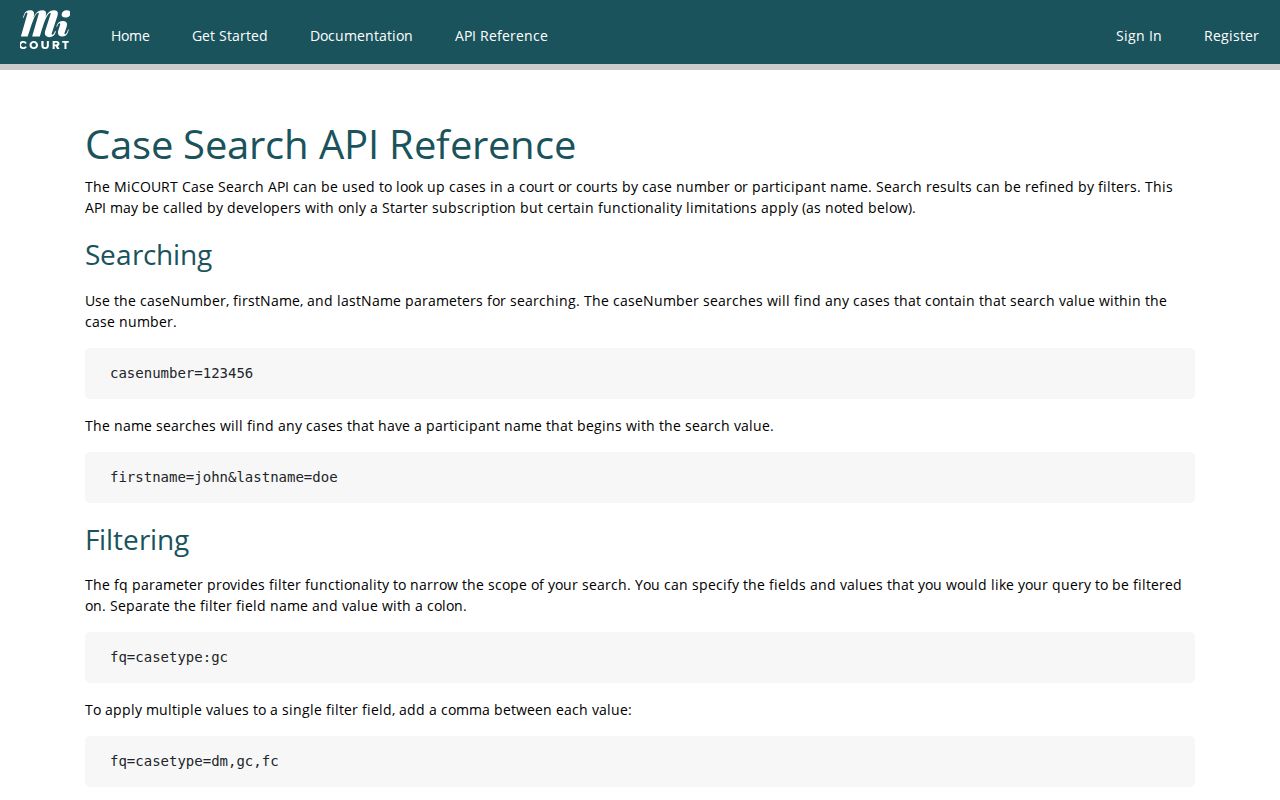
| First name | Text | No | Documented matching begins with the supplied value; pair it with last name. |
| Last name | Text | No | Useful for a name search, but common names should be narrowed by court or year. |
| Case type or category | Select or filter | No | Publicly displayed options can vary by court and category. |
| Case year and status | Filter | No | Use a four-digit year or status when available to reduce similar results. |
Crawford County Docket Search Targets
Crawford County has no single interchangeable local docket. Circuit cases sit behind the official C46~1 MiCOURT target for the 46th Circuit. Probate matters that are publicly displayed use the P20 target. The 87-C District Court maintains its own public display. Ticket information may run through eTix. Pick the right court first. That single step is the best accuracy check in any Crawford docket search.
The P20 route is a public-search path for probate cases. It does not promise that wills or every probate document can be viewed online.
The probate route only covers publicly displayed case information. When the search does not supply a needed order, will, or certified copy, take that request to the Probate Register directly.
Case Number Searches
A case number is the cleanest MiCOURT query once you have it. Copy it exactly as printed on the citation, notice, or court paper. There is no single universal case-number pattern across Crawford County. Format examples include 20XX-XX-XX-FY for a district felony-preliminary path. 20XX-XX-XX-CV or 20XX-XX-XX-SC serve as illustrative civil and small-claims forms.
Treat those as format guides, not a decoder for a live case. The code can shift with court and case type. A felony at the district stage and its later Circuit Court matter may carry separate identifiers. Never merge the two without checking the record. When a number returns no public result, have the court name, the number, and the filing or citation date ready for the clerk.
Crawford County Docket Name Searches
When a name returns too much, narrow by division. Circuit civil matters above the district threshold and felony files after bindover sit with the Circuit Clerk. Divorce records sit there too. 87-C handles district misdemeanors, preliminary felony work, smaller civil matters, traffic, parking, and ordinance cases. The Probate Register holds probate records. Knowing which office keeps what beats widening the search over and over.
MiCOURT documentation also describes filters for year, category, case status, and public status. Read those field lists with care. A documented filter is no guarantee it appears on every Crawford public screen. It is never permission to enter or expose protected identifiers. Keep date of birth, driver-license, and vehicle information out of public page content.
The official MiCOURT search-parameter reference lays out these parameters in full. It explains why a live interface can carry more technical vocabulary than a simple name-search form.
Use a field only when the public form exposes it and it suits the case search. For a complete result, the court of record remains the fallback.
Crawford County Public Search Filters
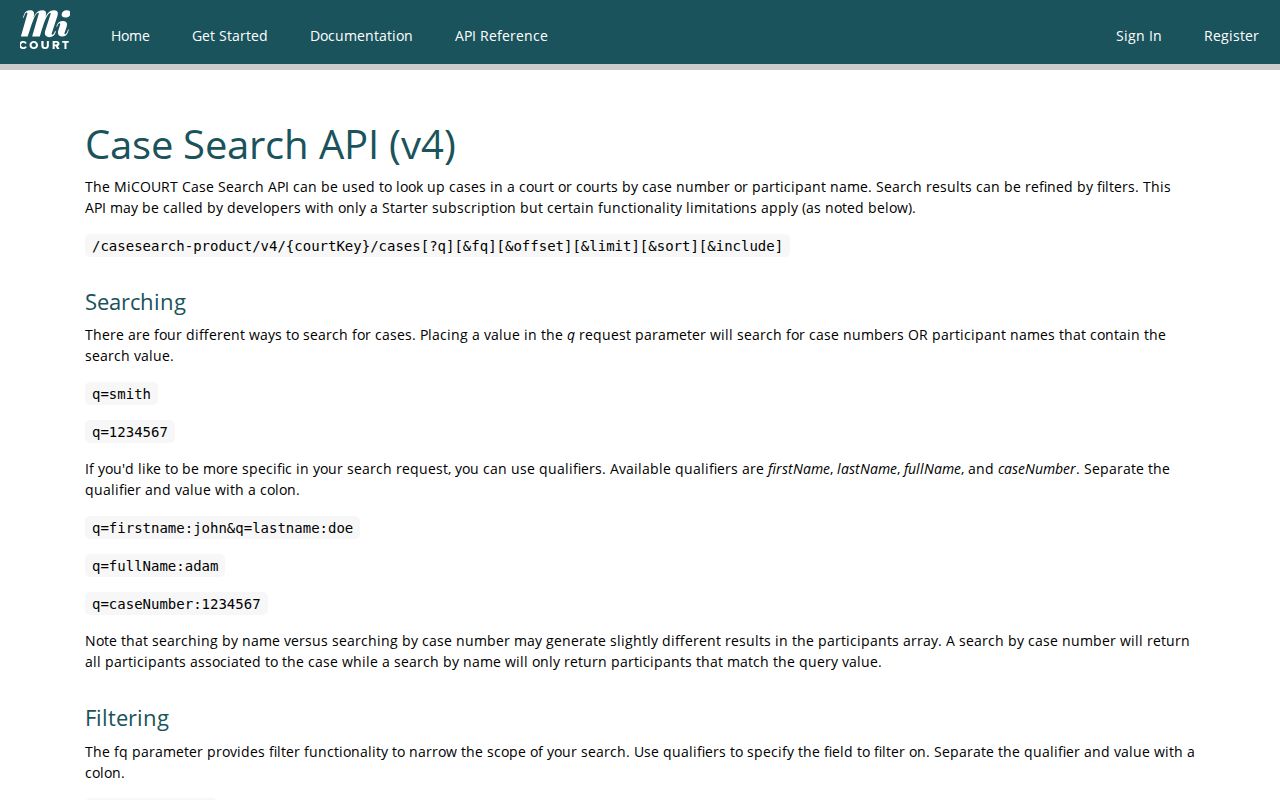
MiCOURT developer material lists more filters. These include case status, public status, judge number, offense or disposition dates, and amount information. Those field names explain why two online searches can look different. They do not prove that each control appears on the Crawford public form. Nor do they prove that every value is open to the public.
Start with ordinary public details: court, case number, name, year, and a category when offered. Sensitive identifiers live in a different access context. Do not pad the search with information a public case history does not need.
Case Search Results Explained
A public result identifies a case and opens a path into its case history. Under MCR 8.119, that history, or register of actions, is a chronological record. It is searchable by case number and party name. Expect the case number, filing date, parties, and attorneys. Concise entries for filings, orders, and returns appear too, for the public portion of the record.
| Case number | The court-assigned identifier used to distinguish the matter and search the case history. |
|---|---|
| Parties or caption | The displayed case title or participants, subject to suppression and public-access limits. |
| Case type or category | A court classification such as civil, criminal, traffic, probate, or another public category. |
| Filing date | The date the court received the case, not necessarily the date of every later court action. |
| Status and action history | Public status and chronological entries, if shown, that need to be read with the court and date. |
The result is not automatically the case file. Filed documents, exhibits, transcripts, a certified judgment, and sealed material may take a direct request to the office that holds them.
Crawford County Case History Records
Michigan now calls the chronological court record a case history or register of actions. It uses that name instead of docket. A calendar is narrower. It shows a single scheduled event. The case file is a third thing. It holds the actual documents behind the public action entries. Separating the terms keeps a search result from passing for the full court file.
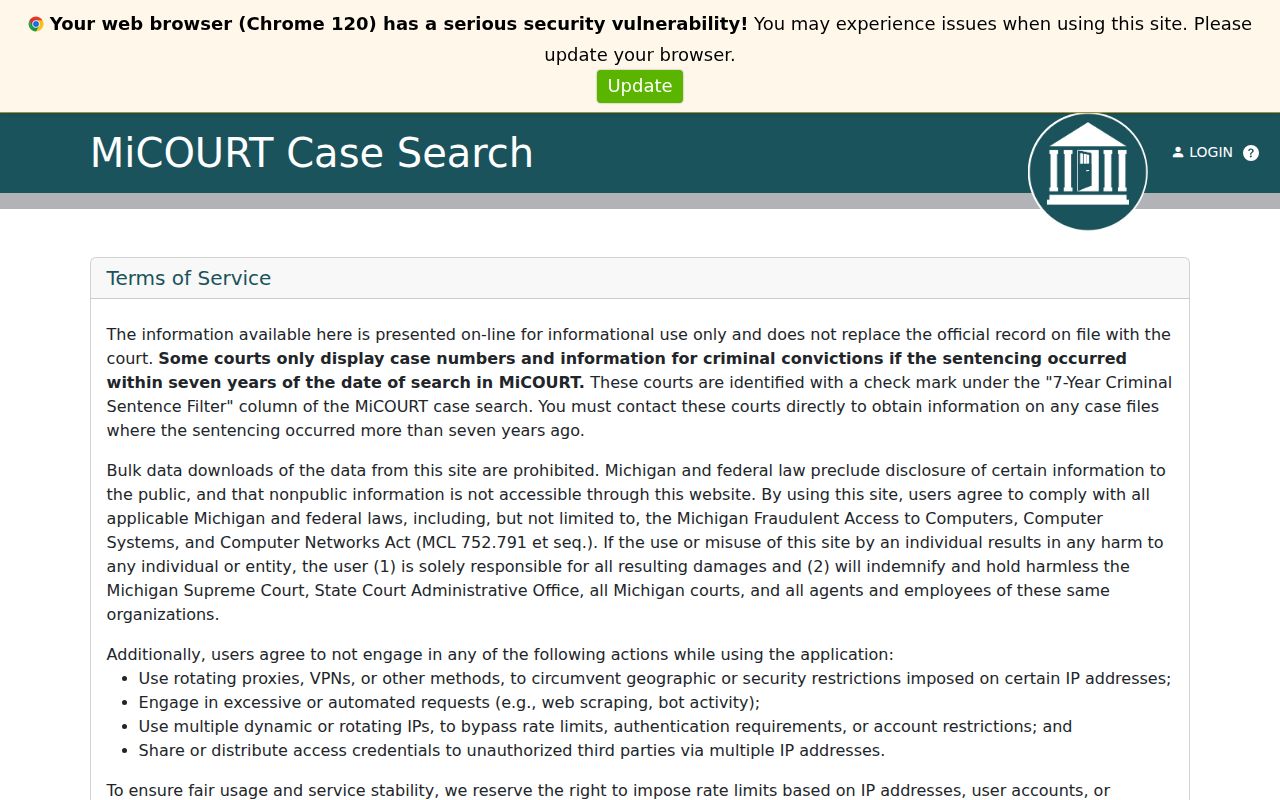
MiCOURT is informational. The court of record controls when its data conflicts or runs short. A statewide notice says some courts display only criminal convictions. Those must be sentenced within seven years, depending on the court. Bulk downloads are barred too. A missing entry can reflect a display limit, timing, the wrong court, or restricted access. It is not proof that no case exists.
The MiCOURT v4 reference documents the technical fields behind case search. It is a design reference. The schema does not promise that every field is public for a Crawford County case.
Need a complete, certified, or older record? Ask the court that keeps the file rather than the online display. For technical search fields, the MiCOURT usage documentation offers further official schema context.
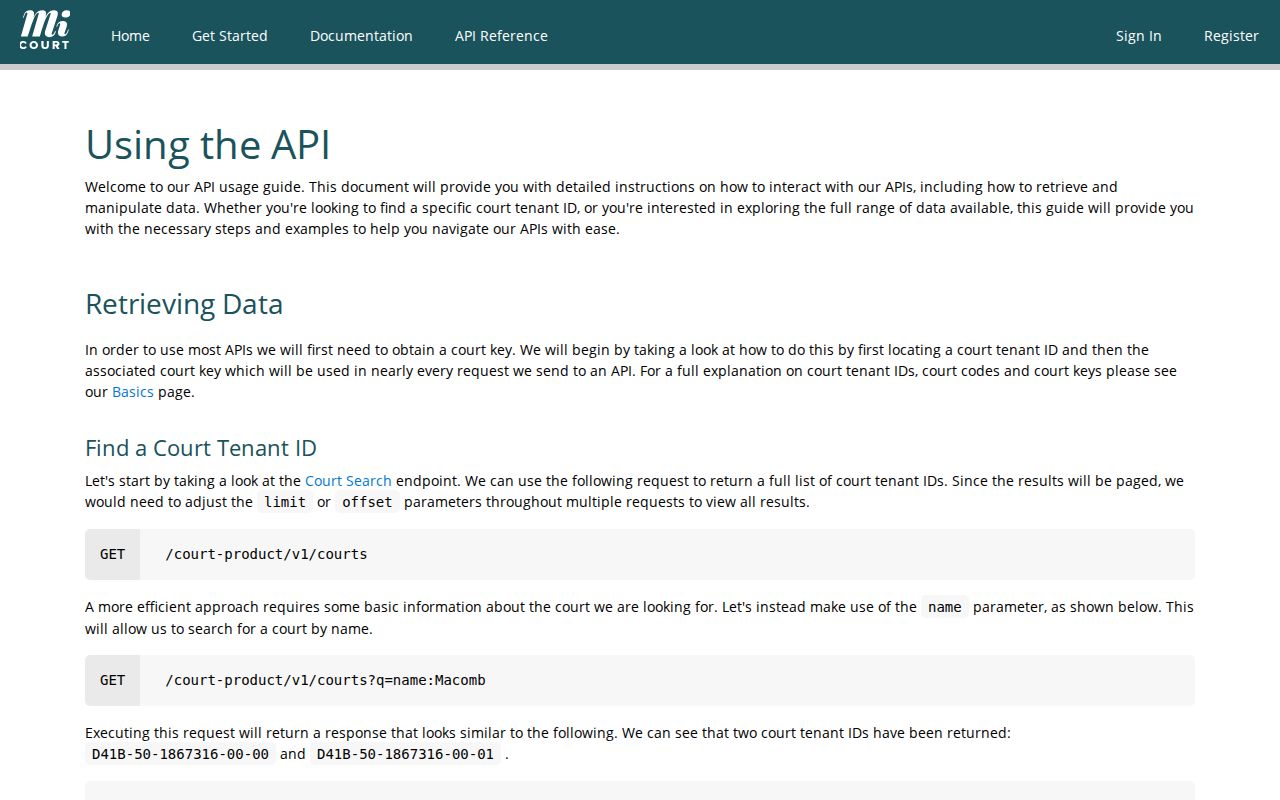
The documented schema describes system vocabulary only. It grants no bulk access, and it does not make any given technical field public for a Crawford County case.
Two Ways to Search: County and State
MiCOURT is the statewide entry point. It also holds court-specific targets. Crawford's routes sit inside that system, though the two are not identical. Start statewide to reach the current public interface, then pick the C46~1, P20, or 87-C route that fits your case. The older official 46th Circuit lookup is secondary. Do not assume it loads.
| Comparison point | MiCOURT statewide entry | Crawford court-specific route |
|---|---|---|
| Purpose | Start a public Michigan case-history search and identify participating court information. | Focus on the Circuit, Probate, or 87-C division that maintains the relevant Crawford record. |
| Best use | Reaching the live search and checking public statewide availability. | Searching a known Crawford court and confirming the court-specific case context. |
| Limits | Informational records, excluded categories, JavaScript delivery, and court-specific availability. | Public display can still omit restricted records, documents, older material, or a changed entry. |
| Fallback | Use the court of record when the result is incomplete. | Call or visit the correct Crawford division for the case history, file, or certified copy. |
Crawford County Ticket Search Channels
Traffic, parking, and ordinance records run through a separate public route. The official Michigan eTix ticket search covers Crawford County cases. Pick the county and the applicable court first. Then search by last name with a ticket or case number, last name with date of birth, driver-license number with state, or license-plate number with state. The form is a ticket lookup. It is not a complete court-file request.
Can't find your ticket? That changes nothing about the printed due date. Call the 87-C traffic, parking, and ordinance line at 989-344-3245, or use the court contact printed on the citation. For a public case-history question, the 87-C public display and MiCOURT may offer a separate route. Paying through GovPayNow is not a docket search. It is not a certified record either.
Note: Do not treat an eTix result, a payment screen, and an 87-C case history as interchangeable court records.
Crawford County Seven-Year Search Notice
The statewide MiCOURT notice covers this. Some courts show criminal-conviction information only within a seven-year sentencing window. That is a public-search limit. It does not erase older Crawford County criminal dockets. A missing online result never settles the record question either. Does the time period matter? Then name the court and contact the office that keeps the record. The Circuit Clerk keeps circuit legal records; 87-C maintains district-stage criminal records. Ask for the public case history or a specific record. Do not trust the search screen alone.
Which Cases Stay Restricted
Public display varies by court and case type. MiCOURT's statewide notice lists what stays off the public screen: adoptions, juvenile and child-protective matters, juvenile guardianships, mental-illness matters, name changes, parental waivers, PPOs, certain protective-order matters, surrendered-newborn-child cases, infectious-disease matters, young-adult voluntary foster-care matters, and wills. Sealed and suppressed records stay private too. So do PPII-redacted ones. A broad search does not make any of them public.
Family or juvenile question? Call the Family/Juvenile division at 989-344-3239. Probate questions go to the Probate Register at 989-344-3237, and circuit legal records to the Circuit Clerk at 989-344-3206. Ask which public portion, if any, exists. A no-result search is never a no-case certificate.
Crawford County Docket Search Limits
Online paths can fail to answer a specific question. The public MiCOURT interface needs a live browser. The local 46th Circuit lookup may not load. Some categories are absent on purpose. The right response is a court-specific fallback, not a claim that Crawford has no record.
Facing an unclear or concluded proceeding? Court Administrator Angie A. Cragg can identify the maintaining division at 989-344-3882. A future event can then be checked through the Crawford Court Schedule, while a certified or complete file should be requested from the court of record. Keep the case number, court division, date range, requested document, and certification need ready for the request.
Crawford County Legacy Case Lookup
The 46th Circuit site links a Crawford-specific lookup endpoint. That page may not load. The failure proves little. One bad connection does not describe every visitor, and it does not make the legacy page the preferred public route. Start with the live C46~1 MiCOURT target for a public Circuit search instead. Need more? Call the Circuit Clerk at 989-344-3206 for the record route. The clerk's file is the maintained record. A temporary online problem is something else entirely.